Team communication
For anyone completely new to the project, it is most important to know how to get plugged in. There is a fairly extensive amount of communication flying around related to the project, and being able to find and track it may take some time.
Instant messaging and video conferencing
On a day-to-day level, the team meets in a Slack chatroom. Slack can be used in your internet browser or via an app; you will be invited to join the team by an admin.
The daily stand-up meeting is managed via the ‘#general’ channel, with notes in google docs that are edited throughout the day as people complete the tasks assigned to them.
The OME teams meet weekly on Tuesdays via Zoom to summarize the status of all projects. Public notes of these meetings are available at https://hackmd.io/@ome, and published to https://www.openmicroscopy.org/minutes/.
Focused meetings around specific components (e.g. formats, OMERO.web) typically happen weekly as well, but are not publicly minuted.
Other IM tools
Slack is the only IM tool used by the entire OME team, but is only used for internal discussion. All external requests for help should be submitted and dealt with as indicated on the support page.
GitHub Issues
Open issues and feature requests are recorded in the Issues tab for each GitHub repository in the OME GitHub organization. If an issue is planned for an upcoming release, it will be assigned to the relevant milestone. See for example open milestones for OMERO and Bio-Formats.
Historical issue tracking
Note
Trac and Trello are no longer used by the OME team
Trac
The Trac server is available under https://trac.openmicroscopy.org/ome. Trac was previously used to record all tickets, but has not been actively used in many years and most content is no longer available.
Trello
Trello is an online organizational tool used to manage “cards” arranged in “lists” on various subject-themed “boards”. Prior to using GitHub issues, this was the team’s main internal planning tool for higher level development goals and for managing documentation, testing, and the maintenance of our continuous integration tools.
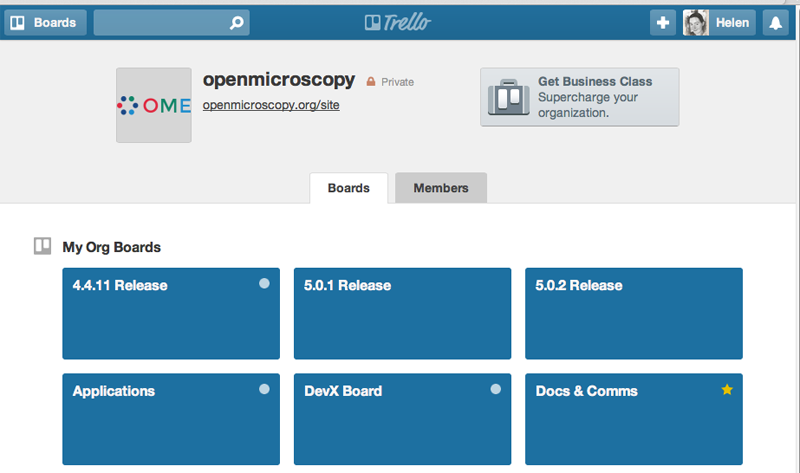
The public OME organization shows our previous work in Trello, but is not actively monitored and should not be used for tracking current development.
Developer documentation
The developer documentation is maintained under version control, generated using Sphinx and hosted on the OME website.
Each section of the code base (OMERO, Bio-Formats) has a landing page that will direct you to all the developer documentation that you might need. For example, the Developer page for OMERO is here.
For more information on working with documentation, see Editing the OME documentation.
Continuous integration
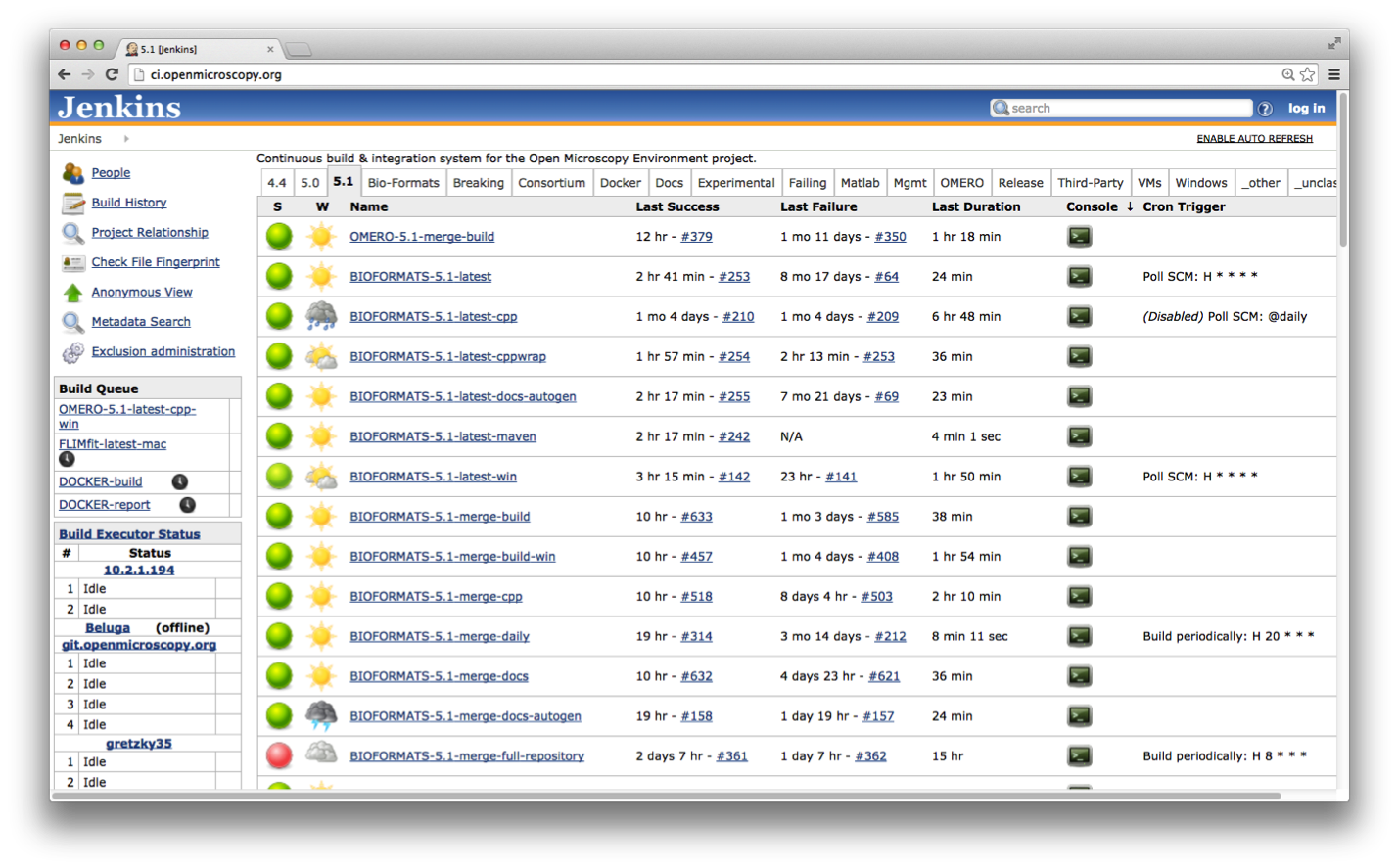
Our Jenkins server is available here and also uses LDAP authentication. Jenkins provides a mechanism to run arbitrary tasks (“jobs”) on one or more platforms after particular events (time of day, git push, etc.). GitHub Actions is also used; see Continuous integration branches and jobs for more information.
Git and GitHub: Source code
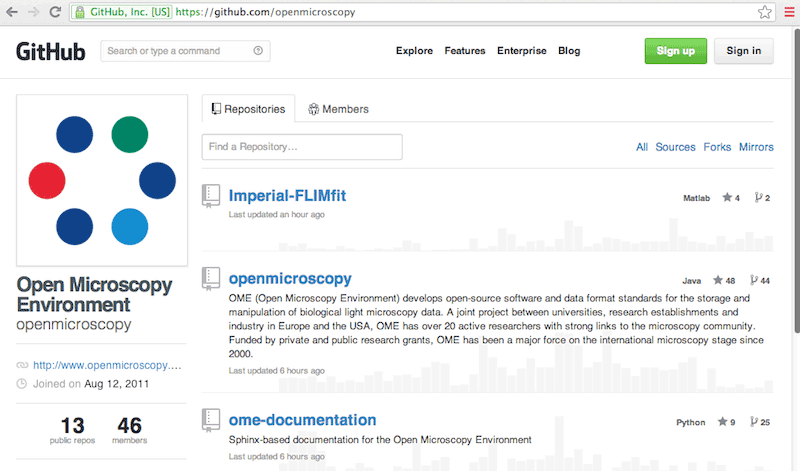
Commits take place primarily on GitHub currently. To be aware of what is really going on, your best option is to become familiar with Git, GitHub, and the repositories of all the team members. Information on doing that is available in the Checking out the source code and Using Git.
Forums and mailing list
Feedback from the OME community happens primarily on the image.sc forum as well as GitHub.
You should be aware of and scan all threads on a fairly regular basis. The general rule is that requests from the community will be responded to by the next working day, where to the best of our ability, we keep the ‘working days’ and time zones of the community in mind.
Where possible, the task of monitoring feedback is spread across the team. Forum questions are listed at the morning stand-up meeting and can be checked off in the accompanying notes when dealt with to ensure nothing is ignored or forgotten.
Anyone on the team should feel free to speak up to answer questions, but do try to verify the correctness of answers, code samples, etc. before posting.
As much information about our activities and decision processes should be made public as possible. For many items, there is no reason to hide our process, but we do not go out of our way to make them public.
Internal servers
There are a number of servers and services inside of the University of Dundee system that are used by the entire team. You may not need access to all of them immediately, but it is good to know what is available in case you do.
The OME QA system is an in-house system for collecting feedback from users, including failing files, stack traces, etc. Like our community feedback, QA feedback should be turned into a ticket in a timely manner.
Procedures and guidelines for connecting to servers hosted by the University of Dundee depends upon a number of factors, and should be discussed internally with the OME sysadmin team.
Note
For anyone who has been hired to work at the University of Dundee, you will be provided with a new start tasklist which itemizes all the things that need to be done to get you set up (building access, a chair, etc.).
Google Docs
In addition to the services hosted in Dundee, the team also makes use of several Google resources due to the improved real-time collaboration that they provide. A single Google collection “OME Docs” is made available to all team members. Anything placed in the collection is automatically editable by everyone.
For example, the primary contact information for all team members is available in the DevContactList spreadsheet.
You can enable notifications on the spreadsheet so that you receive an email if any changes are made.
Meetings
Weekly meetings are held online with all members of the team. Notes are taken collaboratively in https://hackmd.io/@ome. Anyone who missed the meeting is expected to review the notes and raise any issues during the next meeting.
Periodically, a technical presentation is held during the weekly meeting. This can be used to either introduce an external tool for suggested use by the team or as a peer review of in-progress work.
Mini group meetings can either be regularly scheduled (e.g. weekly) or on an as-needed basis. Notes from such meetings should be recorded in Google Docs or HackMD as appropriate and if necessary matters arising should be covered in the weekly meeting for the rest of the team.